

When someone searches “plumber near me” or “tree removal Frankston”, the first thing they usually see is a map with three businesses on it. Those three get a big share of the calls, and a lot of those calls cost nothing. Getting into that map pack comes down mostly to one thing: your Google Business Profile.
We set up and manage Google Business Profiles for trade businesses across Australia. This guide walks through the ten things that make the biggest difference, in the order we’d do them.
Quick Answer
- Your Google Business Profile is free and drives much of your local “near me” traffic.
- The basics matter most: the right category, every service listed, accurate service area, real photos and steady reviews.
- Keep your Google Business Profile active every week with photos, posts and review replies.
Why Your Google Business Profile Matters So Much
For trade businesses, local intent is everything. People want someone nearby who can come today or this week. Google knows that, so for local searches it shows the map pack first. Your Google Business Profile is what appears there: your name, star rating, phone number, hours, photos and a button to call or get directions. Many customers never even visit your website. They see your Google Business Profile, check the reviews and call.

1. Claim and Verify Your Profile
If you haven’t already, claim your listing at Google’s Google Business Profile site and complete verification. If someone else set it up years ago (a previous agency or a former employee), get ownership transferred to you. You should always own your Google Business Profile, not your marketing provider.
2. Choose the Right Primary Category
Your primary category is one of the strongest signals for which searches you show up in. Pick the one that matches your main money-making service: Roofing contractor, Plumber, Electrician, Tree service, Air conditioning contractor, Landscaper and so on. Then add secondary categories only for services you genuinely offer, such as Gutter cleaning service or Water damage restoration service.

3. List Every Service You Offer
Add each service individually with a short description that uses the words customers search. A tree service might list tree removal, tree lopping, stump grinding, palm removal, hedge trimming and arborist reports. A roof plumber might list re-roofing, Colorbond roofing, gutter replacement, gutter guard and roof leak repairs. The more complete your services list, the more searches your Google Business Profile can match.
4. Set Your Service Area Properly
Most tradies travel to customers, so set up as a service-area business and list the suburbs or regions you actually cover. Hide your home address if you don’t have a shopfront. Be realistic: a huge service area doesn’t help you rank further away, and it can bring in calls you don’t want to drive to.
5. Write a Clear, Human Business Description
You get 750 characters. Use them to say what you do, where you do it and why customers choose you: licensed, insured, years in business, warranty, fast response. Write it for people, not robots. Skip keyword stuffing and links.
6. Upload Real Job Photos Every Week
Photos are one of the most underused parts of a Google Business Profile. Upload before-and-after shots, your crew on site, your vehicles and finished work. Phone photos are fine, and real beats polished stock every time. A steady stream of fresh photos shows Google, and customers, that your business is active.
7. Build a Steady Flow of Reviews
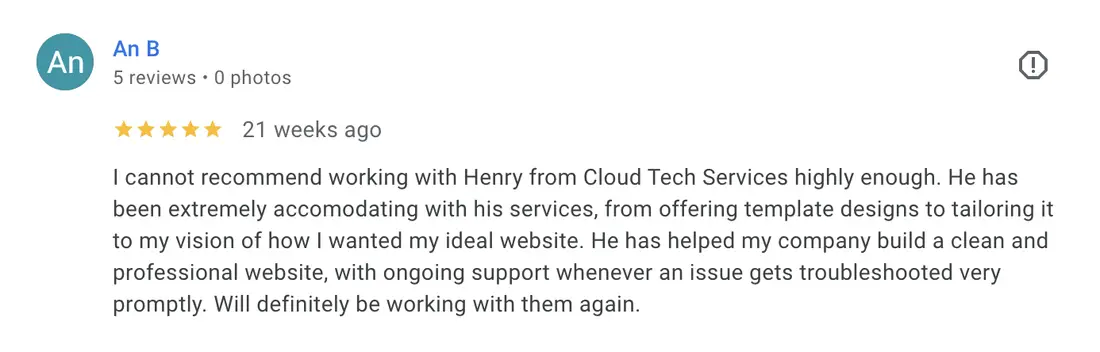
Reviews affect both your ranking and whether people call. Aim for a few new reviews every month rather than a burst once a year. Ask by SMS with a direct review link on the day you finish the job, and reply to every review. If a bad one comes in, respond calmly and professionally. See how to get more Google reviews and how to respond to negative reviews.
8. Post Updates Regularly
Google Business Profile posts are short updates that appear on your listing: a recent job, a seasonal offer, a storm-season reminder. They take five minutes and keep your profile looking alive. One or two a week is plenty.
9. Answer the Questions Section
Anyone can ask or answer a question on your profile. Add your own common questions and answers, such as “Do you offer free quotes?” or “Are you available for emergency call-outs?”, so the information is accurate and helpful.
10. Keep Your Details Consistent Everywhere
Your business name, phone number and website should match exactly across your Google Business Profile, website, Facebook and directories. Don’t add keywords to your business name that aren’t part of your registered name. That can get a profile suspended.
Mistakes That Hurt Your Google Business Profile
- Using a virtual office address you don’t actually operate from.
- Stuffing suburbs or keywords into the business name.
- Buying fake reviews or offering incentives for reviews.
- Leaving the profile untouched for months.
- Linking the website button to a slow page with no clear call to action.
How Your Google Business Profile Works With Your Website and Ads
Your Google Business Profile wins “near me” searches. Your website wins detailed searches and gives people more reasons to trust you. Google Ads fill the gaps when you need calls immediately. The three work best together: a strong profile, a website with a page for each service and focused ads for your most profitable jobs. Read our local SEO for tradies guide for the full picture, or see our SEO services for tradies.

Frequently Asked Questions
Is a Google Business Profile free?
Yes. Creating and managing a Google Business Profile costs nothing. You only pay if you choose to run ads.
How long does it take to rank in the Google map pack?
It varies by trade and competition. Fixing categories, services and photos can help within weeks. Building reviews and authority takes a few months.
Can I have a Google Business Profile without a shopfront?
Yes. Set it up as a service-area business and hide your address. This suits most tradies who work at customers’ homes.
Why isn’t my Google Business Profile showing up?
Common reasons are an unverified listing, the wrong primary category, too few reviews, a suspension or a service area set too wide. Check each one.
How often should I update my Google Business Profile?
Weekly is ideal: a few new photos, a short post and replies to any new reviews.
Free strategy call
Want More Jobs Like These? Let’s Map Out Your Lead Plan.
Tell us your trade, your area and the jobs you want more of. We will show you where your leads should come from, what they are likely to cost and how fast you can expect results. No lock-in contracts, no pressure.
- Exclusive leads, never shared
- Clear reporting on cost per lead and jobs won
- 50+ five-star Google reviews from Australian tradies
