
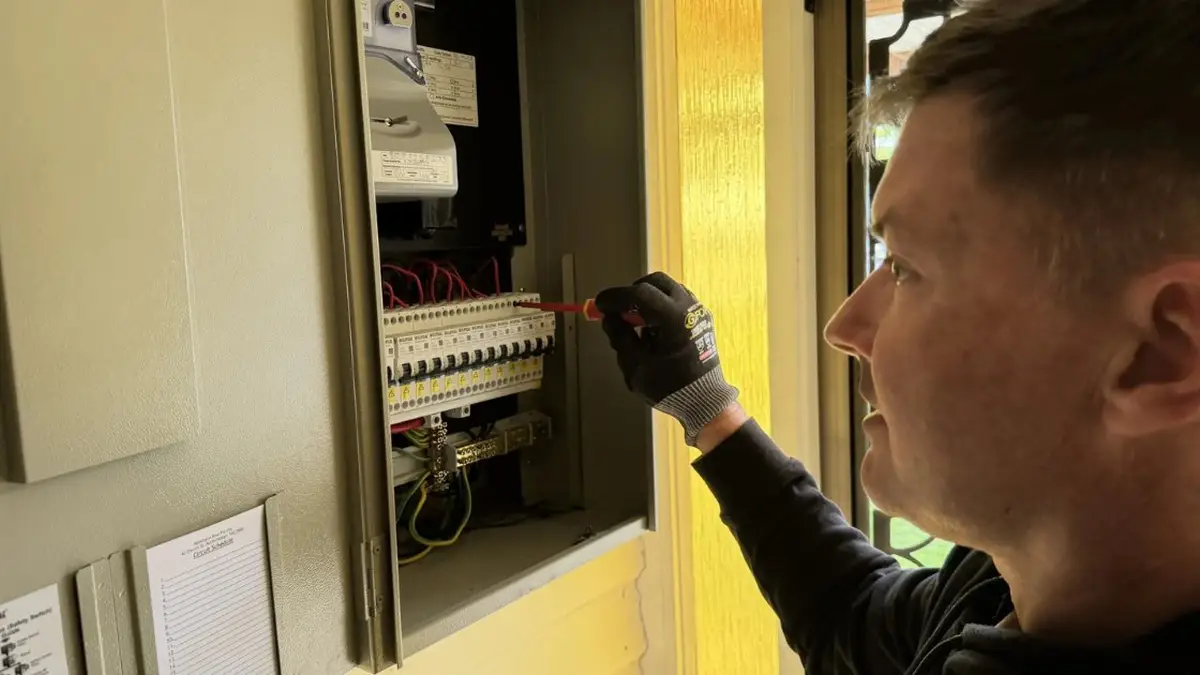
An electrician’s website has to do two things quickly: prove you’re safe and qualified, and make it easy to call. Good web design for electricians does both on the first screen, then backs it up with clear service pages, reviews and real photos of your work.
Quick Answer
- Web design for electricians should put your licence, reviews and a tap-to-call button front and centre.
- Give each service its own page: emergencies, switchboards, lighting, EV chargers, solar, commercial.
- Keep it fast and mobile-first.
1. Licence and Safety Up Front
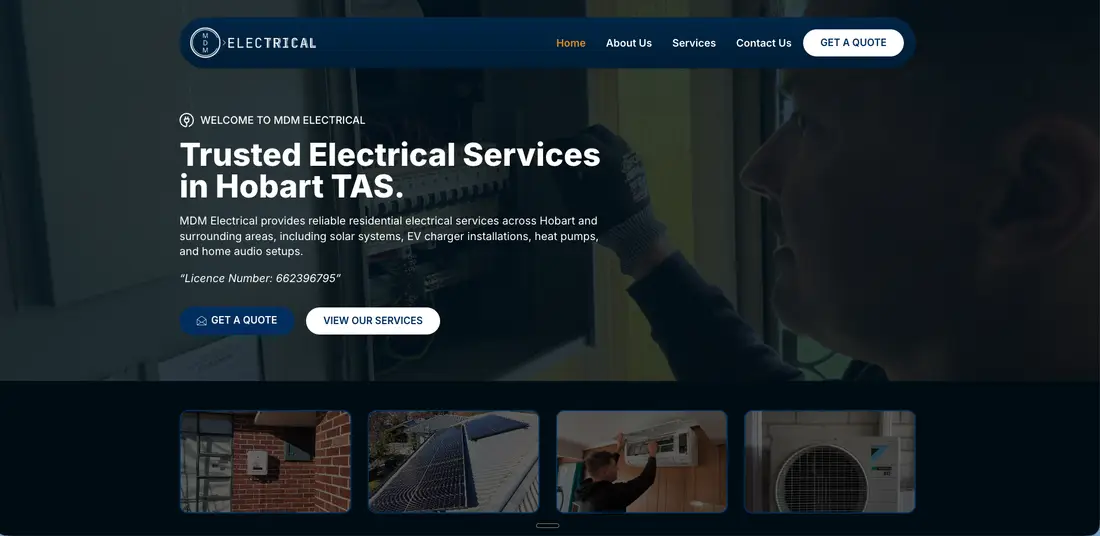
Show your electrical licence number, insurance and any accreditations near the top. Customers are trusting you with something dangerous. Make them feel safe immediately.

2. A Sticky Call Button
Emergency visitors want to call now. A tap-to-call button that stays visible on mobile is essential web design for electricians.
3. Clear Service Pages
Separate pages for emergency electrical, switchboard upgrades, lighting, power points, ceiling fans, smoke alarms, EV chargers, solar and batteries, and commercial work. Each one helps you rank and convert for that specific search.
4. Real Photos of Your Work
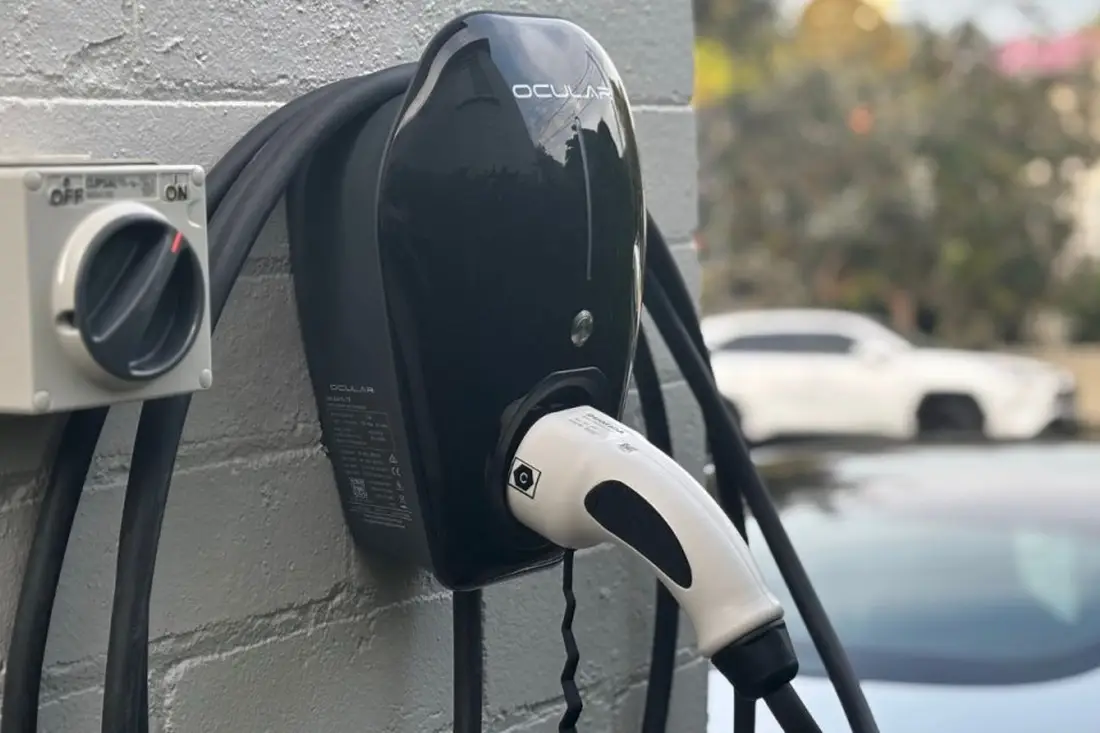
Neat switchboards, tidy installs and finished lighting projects show quality better than any slogan. Avoid generic stock images.
5. Reviews and Trust Signals
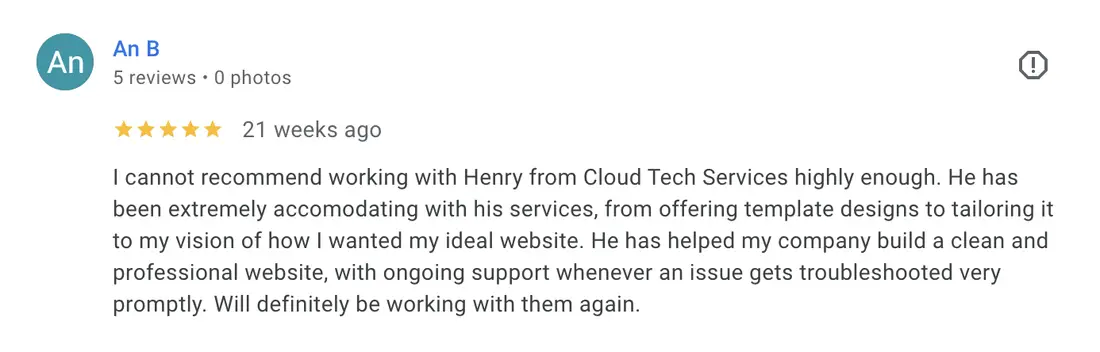
Embed Google reviews, star ratings and warranty details. Mention years in business and accreditations with brands you install.
6. Short Quote Forms
For upgrades and installs, a short form captures people who prefer not to call. Ask for name, phone, suburb and job type. See our quote form guide.
7. Fast and Mobile-Friendly
Compress images and avoid heavy animations. Check your site with PageSpeed Insights.
8. Service Areas
List the suburbs you cover and link to suburb pages for your best areas.
9. Tracking
Track calls and form submissions so you know how many jobs your website brings in.
Common Mistakes in Web Design for Electricians
- No licence number visible.
- Phone number hidden or not clickable.
- One page for every service.
- Slow, image-heavy pages.
- Outdated design that looks unmaintained.
How Web Design Supports Your Ads and SEO
Strong web design for electricians lifts the results of every other channel. Google Ads convert better, SEO ranks better and Facebook leads trust you faster. See Google Ads for electricians and SEO for electricians.
A Simple Page Layout That Works
Here is the home page structure we use as a starting point for web design for electricians:
- Header: logo, services menu and a bright call button.
- Hero: a clear headline with your service area, your licence number and two buttons, call and request a quote.
- Trust strip: Google rating, years in business, warranty and brand accreditations.
- Services: cards linking to each service page, each with a real photo.
- Why choose us: on-time arrival, upfront pricing, tidy work, safety first.
- Reviews: a live feed of recent Google reviews.
- Service areas and final call to action.
This layout answers the questions a homeowner has in the order they have them, which is exactly what good web design for electricians should do.
The Bottom Line
The best web design for electricians is clear, fast and trust-first. Put your licence and reviews up front, make calling effortless and give each service its own page. See examples on our website examples page or our tradie website design service.
Frequently Asked Questions
What should an electrician’s website include?
Licence details, a tap-to-call button, service pages, reviews, real photos, service areas and a quote form.
How much does web design for electricians cost?
It depends on pages, copy and features. See our tradie website cost guide.
Should electricians show prices online?
Starting prices for common jobs like switchboard upgrades or EV chargers can build trust and filter enquiries.
Does my website affect Google rankings?
Yes. Speed, mobile layout and service pages all affect SEO.
Do I need separate pages for solar and EV chargers?
Yes if you offer them. They’re distinct searches with high job values.
Free strategy call
Want More Jobs Like These? Let’s Map Out Your Lead Plan.
Tell us your trade, your area and the jobs you want more of. We will show you where your leads should come from, what they are likely to cost and how fast you can expect results. No lock-in contracts, no pressure.
- Exclusive leads, never shared
- Clear reporting on cost per lead and jobs won
- 50+ five-star Google reviews from Australian tradies
